Nook
WEB DESIGN
Overview
Nook is a personal link library built for people who save more than they read. The idea came from a simple frustration: bookmarks are a graveyard. Browser folders, read-later apps, and saved tabs all suffer from the same problem — things go in and never come back out. Nook was built to fix that by making a saved link feel like something worth returning to, not just something worth storing.
Problem
The average person saves dozens of links a week across articles, videos, tools, and threads. The existing solutions — Pocket, Raindrop, browser bookmarks — treat saving as the end of the journey. There's no context around what you saved, no way to resurface things intelligently, and no real sense of your library as a living collection.
The result is link hoarding. A pile of decontextualised URLs with no memory attached to them.
Solution
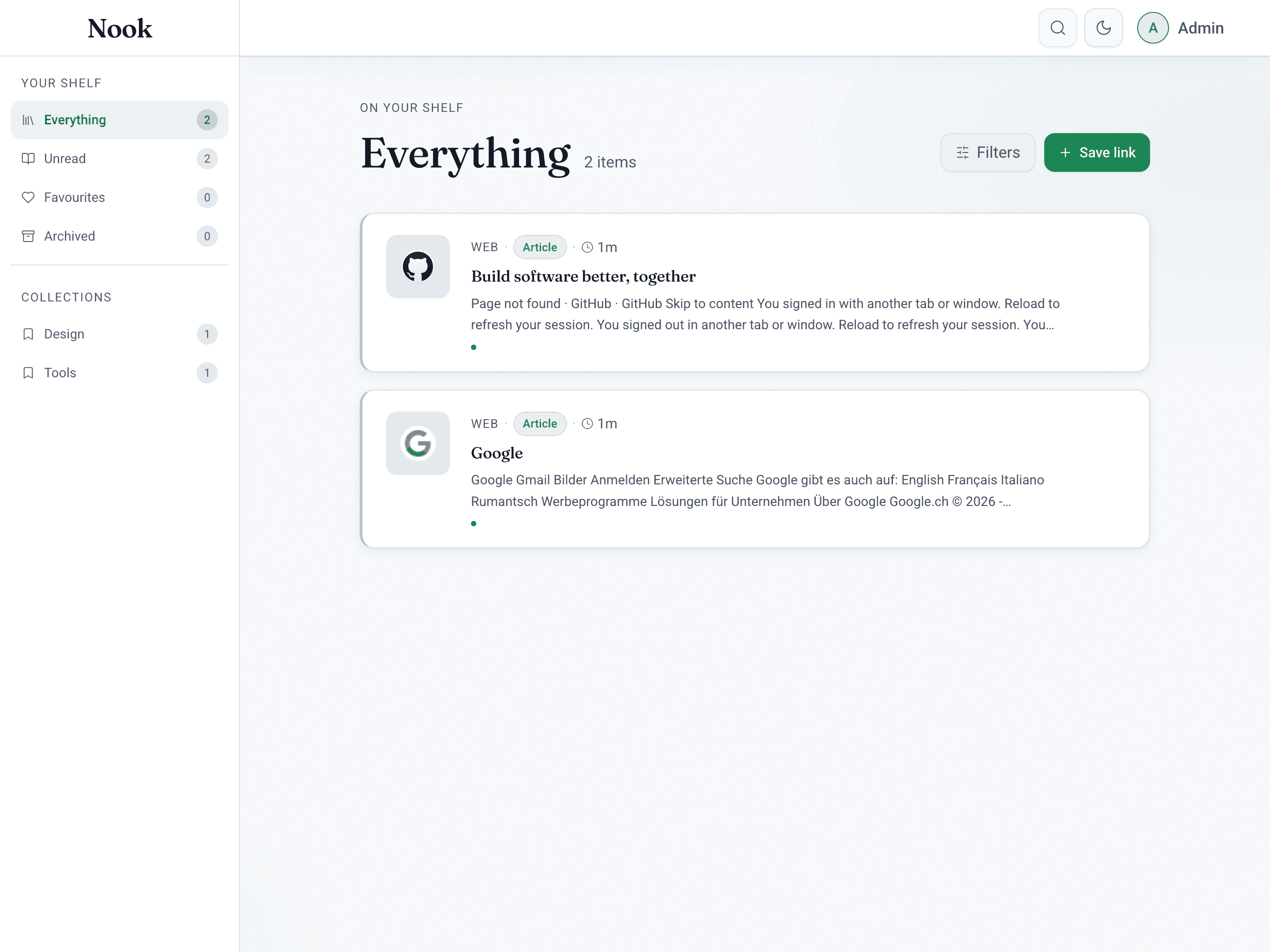
Nook is a personal shelf, not a bookmark manager. Every saved link is enriched automatically — AI generates a summary, extracts metadata, infers the content type, and tags it. The result is that when you come back to something you saved three weeks ago, you immediately remember why it mattered.
The library is organised around how people actually think about content: by what they've read, what they haven't, what they loved, and what they want to revisit. Filtering by platform, tag, category, and content type keeps the shelf navigable even as it grows. Full-text search means nothing is ever truly buried.
Key Features
AI-enriched saving — paste a URL and Nook does the rest. It fetches the page, generates a plain-language summary, identifies the content type (article, video, tool, paper), and suggests tags. No manual tagging required.
Shelf views — Everything, Unread, Favourites, and Archive give the library structure without forcing the user into rigid folders. These views reflect natural reading behaviour rather than filing logic.
Detail view — each item has a dedicated panel with the full summary, editable notes, tags, categories, and a related picks section that surfaces other items from your own library that share context.
Full-text search — search runs across titles, summaries, notes, and tags simultaneously. Results are immediate and ranked by relevance.
Collections — group items into named collections for specific projects, topics, or reading lists. An item can belong to multiple collections without being duplicated.
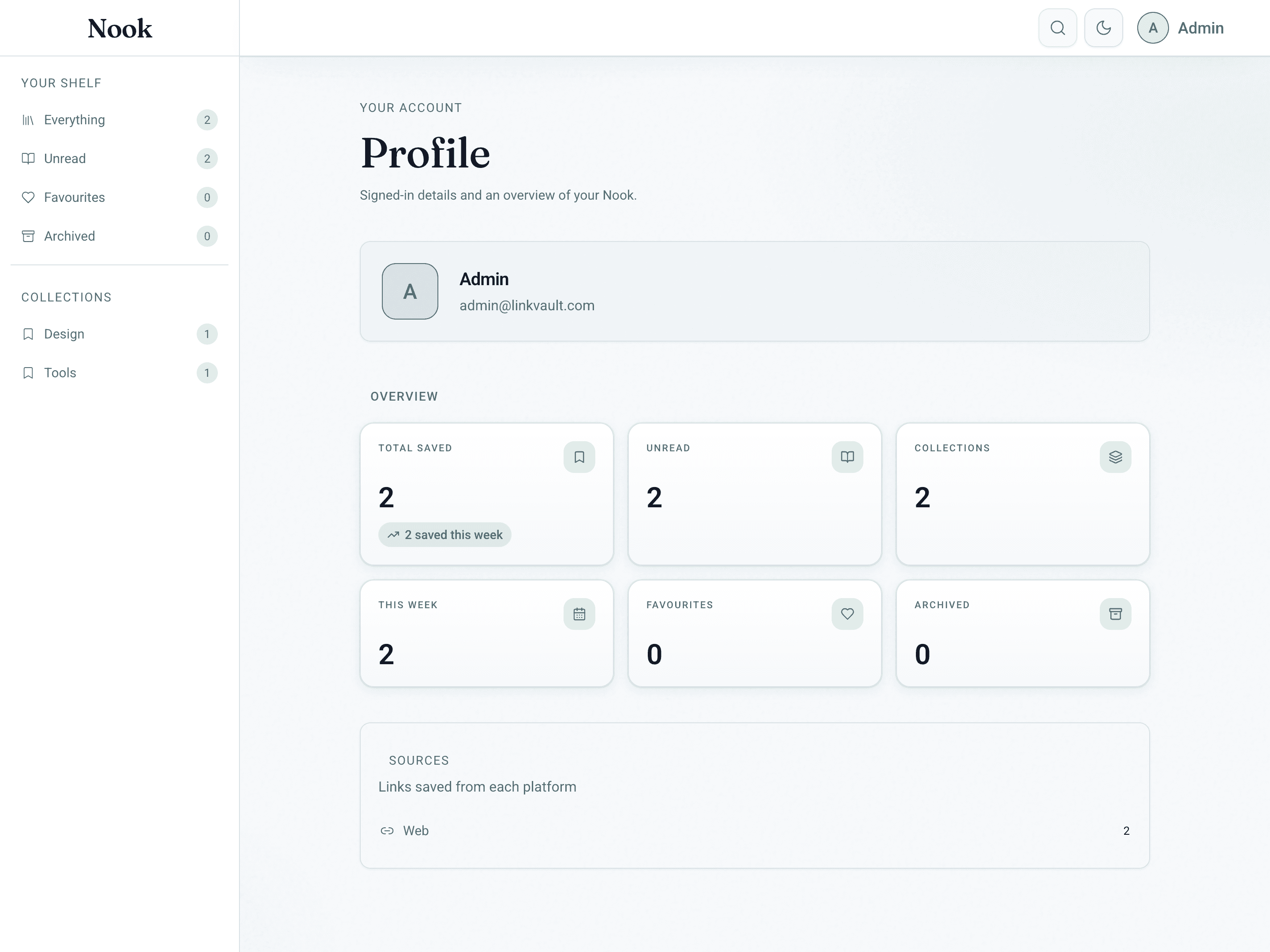
Dashboard — a stats strip shows total saved, unread count, items added this week, and favourites at a glance. A 14-day activity chart gives a sense of reading and saving rhythm over time.
Design
The design language is built around one idea: a reading nook should feel calm. Not clinical, not gamified, not dashboard-heavy. Calm.
The colour system uses warm sand neutrals as the base, sage green for tags and secondary accents, and a terracotta clay as the primary interactive colour. Nothing competes for attention. The background recedes, the content comes forward.
Typography pairs Lora — a literary serif — for all headings, titles, and AI summaries, with DM Sans for all UI chrome. The combination gives Nook the feel of a well-designed print publication rather than a productivity tool.
Both light and dark modes are fully supported, driven by a CSS variable token system so every colour decision propagates consistently across the entire interface. The tokens are structured in two layers: raw palette values and semantic aliases — meaning the dark mode isn't an afterthought, it's a first-class theme.
On mobile, the sidebar collapses into a fixed bottom navigation bar with five actions. The centre button — Save — is elevated above the bar as a floating action, making the primary task always one tap away.
Technical Stack
Frontend: React, TypeScript, Tailwind CSS, shadcn/Radix UI, Lucide icons
Backend: Python, FastAPI, MongoDB (Motor async driver)
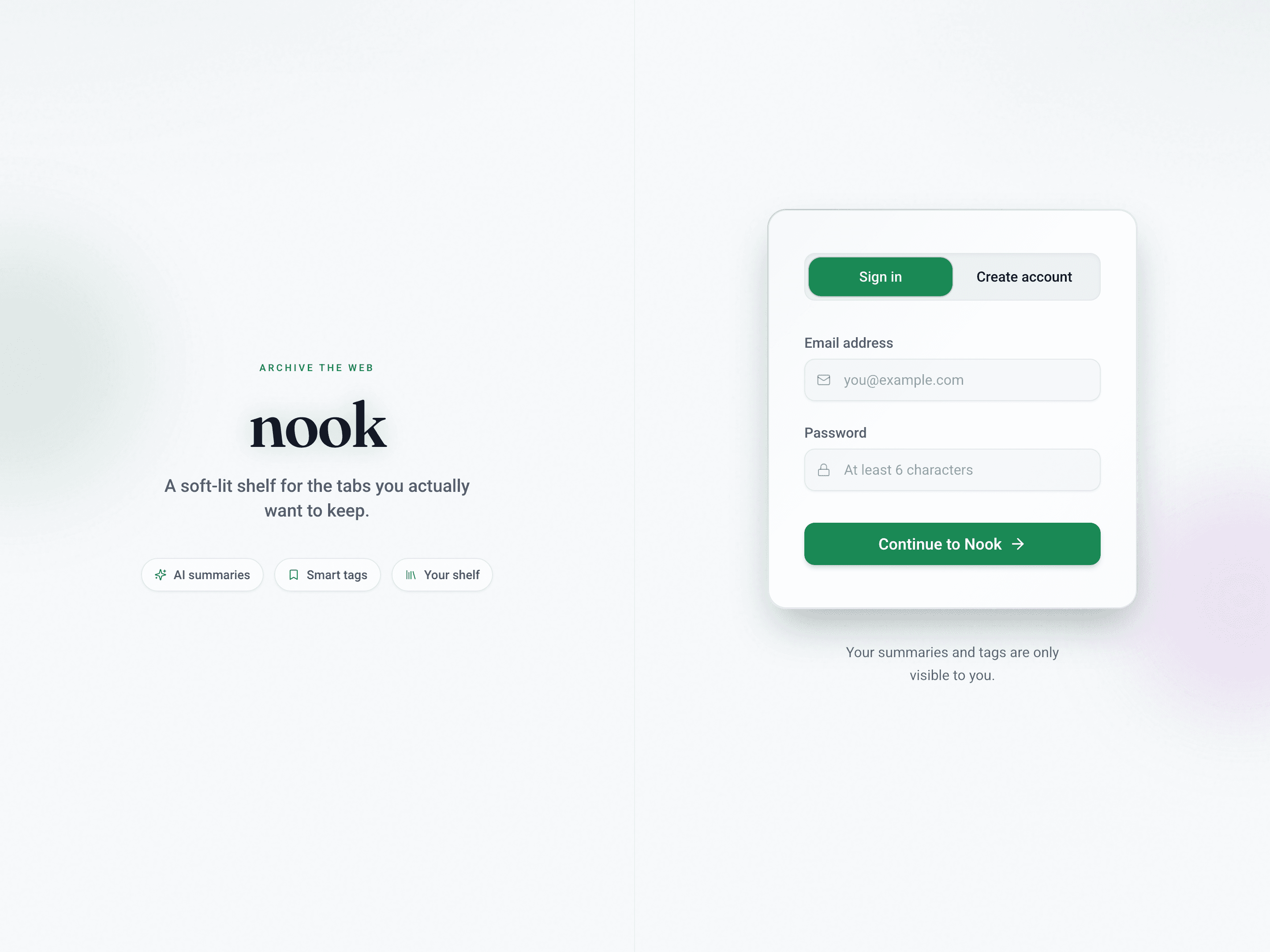
Auth: JWT with bcrypt password hashing
AI: Google Gemini for summarisation and metadata extraction
Document parsing: PyPDF2, python-docx for file-based saves
Email: Resend
Payments: Stripe with SEPA Direct Debit for EU users
The CSS architecture consolidates all styles into a single globals.css with a layered structure: tokens → reset → typography → layout → components → utilities. Tailwind component classes are extracted via @layer components so repeated patterns have semantic names rather than inline class strings.
Challenges
AI summary quality across content types — generating a useful summary for a YouTube video, a GitHub repo, and a long-form essay requires different prompting strategies. A single generic prompt produces flat, unhelpful output. The solution was a content-type classifier that runs first and routes to a type-specific summarisation prompt.
Making search feel instant — full-text search across a potentially large personal library needs to feel immediate. MongoDB Atlas Search with relevance scoring handles the backend, but the perceived speed comes from optimistic UI updates and debounced input so results begin appearing before the user finishes typing.
Avoiding the bookmarks graveyard problem in the UI itself — the biggest design risk was building another thing people save to and never return. Every UI decision was filtered through the question: does this make it easier to come back? The Unread view, the activity chart, the related picks in the detail panel — all of these exist specifically to pull things back to the surface.
Outcome
Nook is in active personal use and approaching a public launch. The three-tier subscription model (free / €9 / €19 per month) is implemented and gated via FastAPI middleware. The design system is fully built and documented, making future UI work consistent and fast.
The project demonstrated that a personal productivity tool doesn't have to look like one — that calm, considered design and genuine utility aren't in tension with each other.